
Onboarding and ID
Client onboarding and ID collection, without the paper chase
Invite a client with a secure link. They confirm their details, upload ID and accept your terms in the app, and you're told before any document expires.
The problem
What gets in the way today
Documents chased over email
ID and documents are collected and sent over email, then saved wherever someone remembers.
IDs lapse without anyone noticing
An expired licence or passport turns up at review time, or not at all.
Consent is hard to evidence
Proving when a client accepted your terms means digging through old emails and PDFs.
How Stow handles it
From invite to signed in, in the app
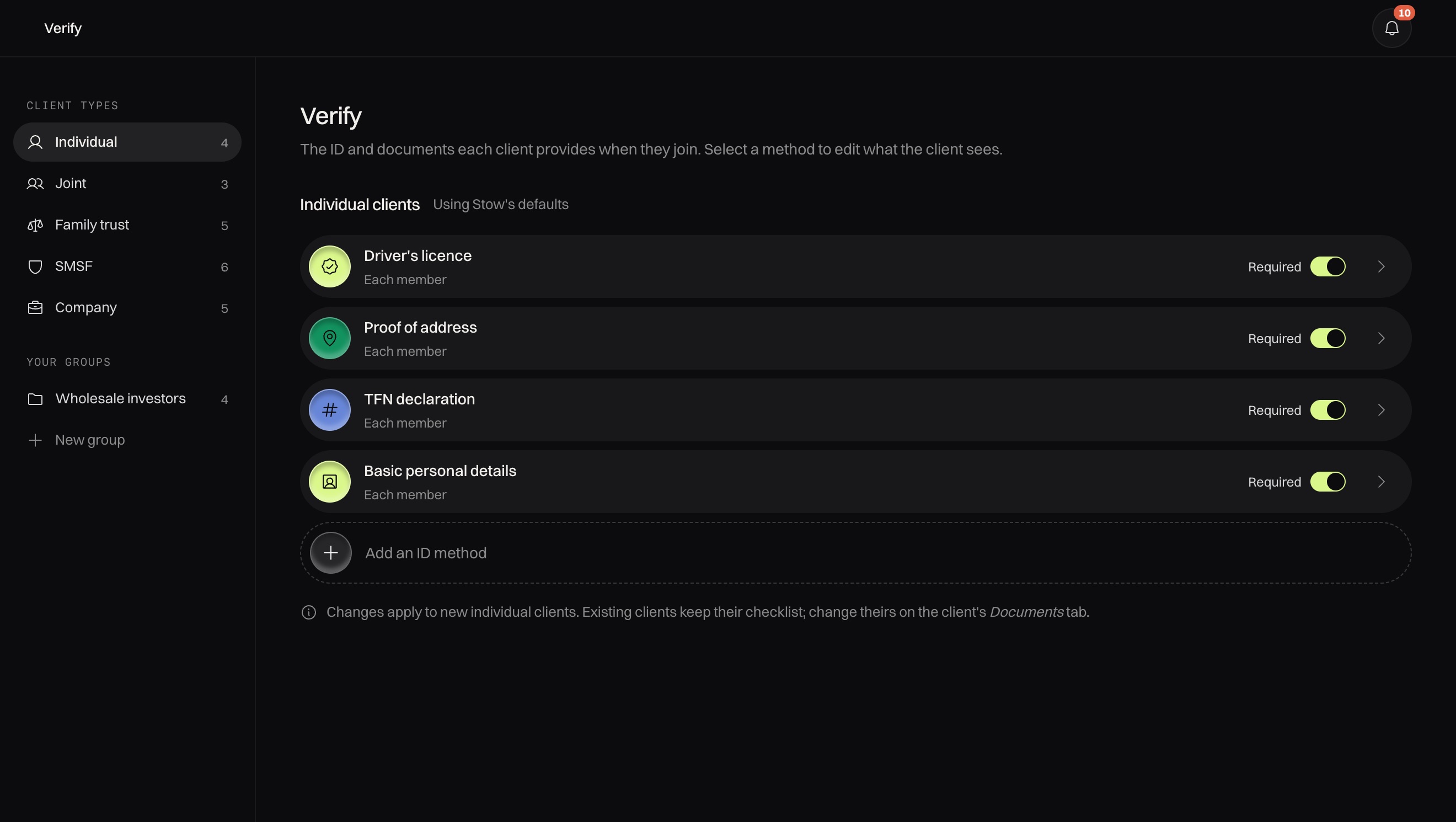
Choose what each entity type must provide. Clients upload in the app, you confirm against your records, and expiries are flagged early.
- Secure invite. Each client gets a secure link that expires after 72 hours.
- Details confirmed. Clients confirm their name and date of birth against your records as they sign up.
- Terms accepted, time-stamped. Your privacy policy and terms are accepted in the app and recorded for your files.
Why trust Stow
Secure by default
Consent on record
Clients accept your privacy policy and terms in the app, time-stamped for your files.
Encrypted throughout
Data is encrypted in transit and at rest, and nothing sensitive travels by email.
A full audit trail
See who viewed or changed what, and when, across your whole practice.
FAQ
Common questions
What ID can we ask for?
You choose what each entity type must provide in the portal's verify settings, and clients upload it in the app.
How are expiring documents handled?
Stow flags ID before it expires, so you can ask for a new one ahead of time.
How long does an invite last?
Each invite is a secure link that expires after 72 hours.
Can we bring our existing clients across?
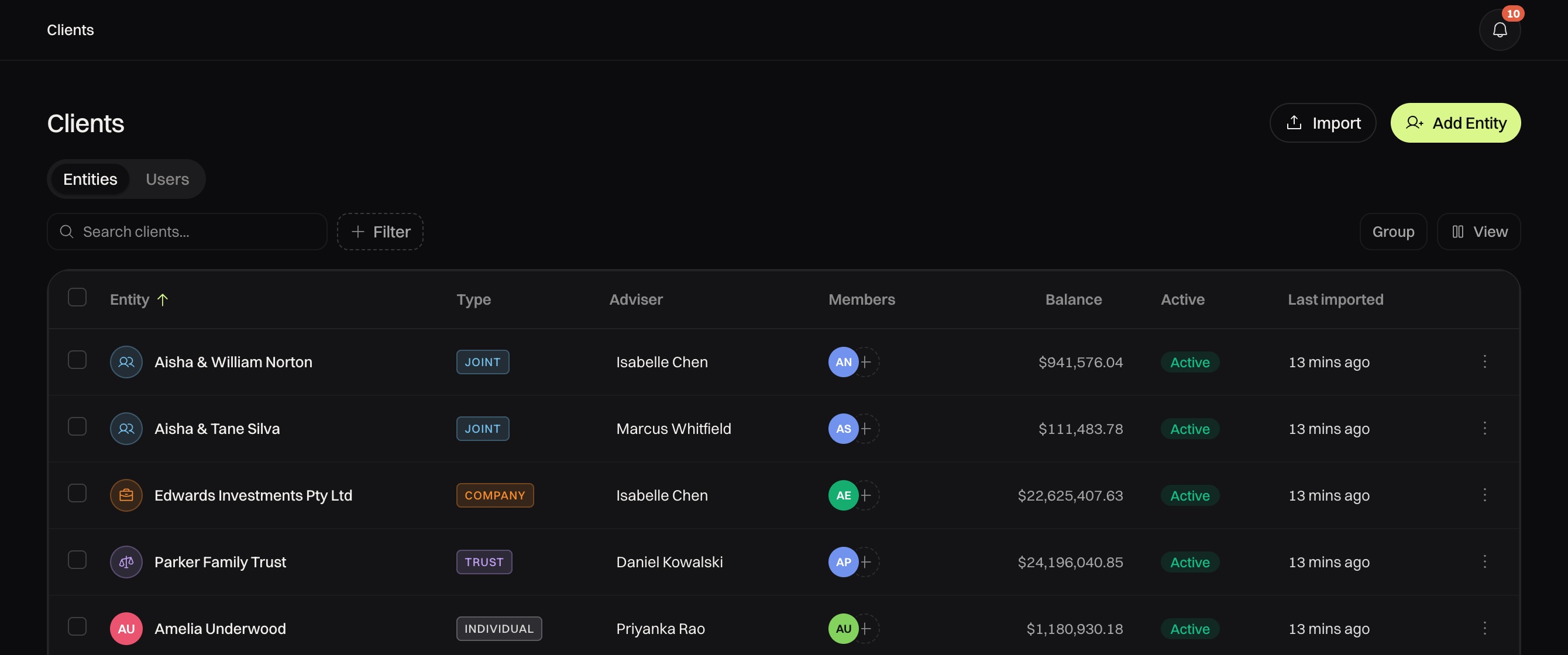
Yes. Import your book from a spreadsheet, then send each client a secure link.
Next step
See Stow with your own clients in mind
Tell us about your firm and we'll email you a time to walk through the app and portal.