
Entity reporting
SMSF, trust and company portfolios in one client login
Each client entity gets its own portfolio, from individuals and joint accounts to trusts, SMSFs and companies. Clients see every entity they belong to with one login.
The problem
What gets in the way today
Reports rebuilt by hand
Portfolio updates are rebuilt for each entity before every review.
Clients only see it at review time
Between meetings, clients have no view of how their SMSF or trust is tracking.
One family, many logins
Clients who sit across several entities juggle separate documents and statements.
How Stow handles it
From your spreadsheet to their phone
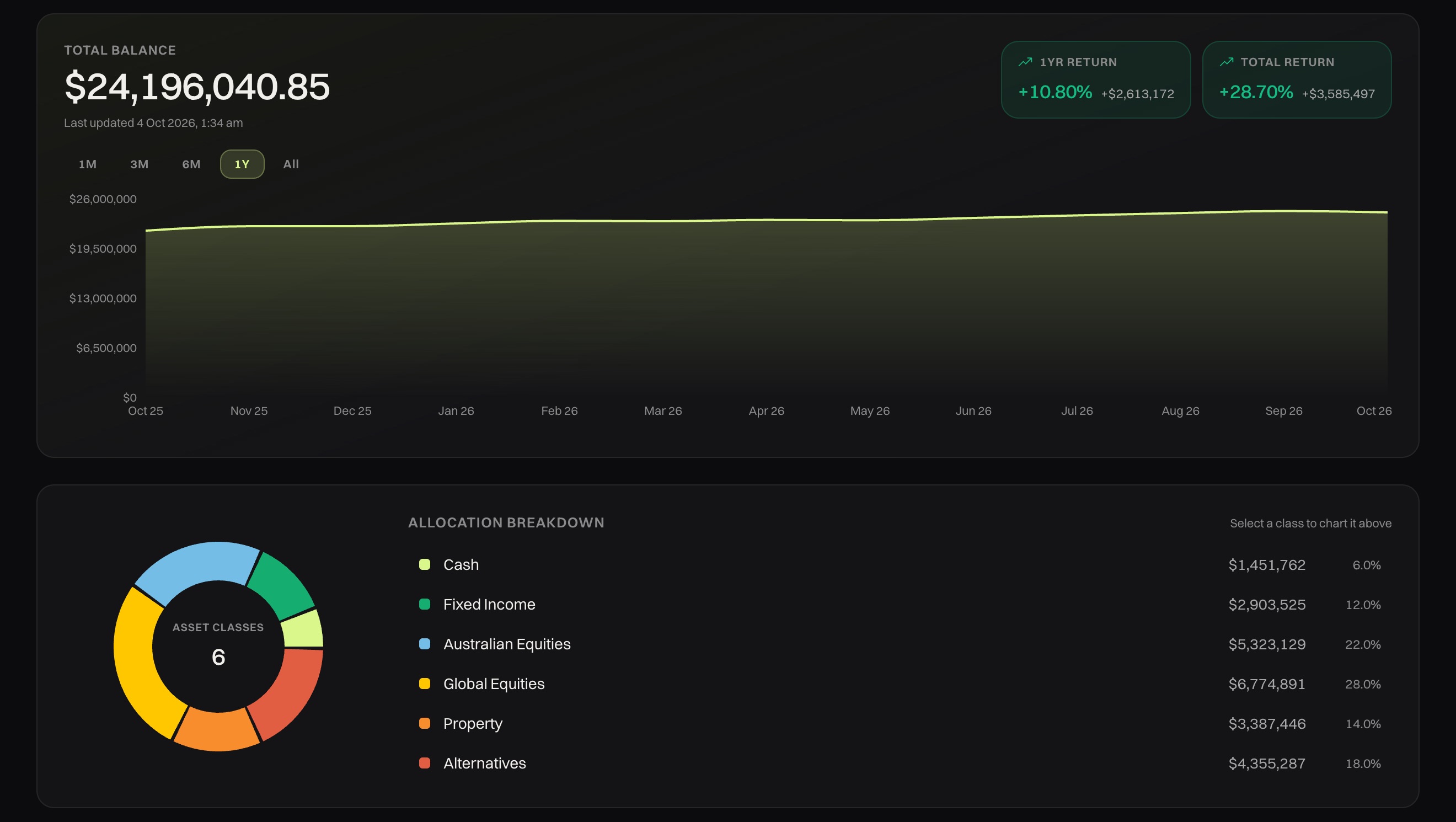
Balance over time, returns and allocation, straight from the spreadsheet you already keep. Clients see the same numbers in the app.
- Import, don't rebuild. Update portfolios from the spreadsheet your practice already maintains.
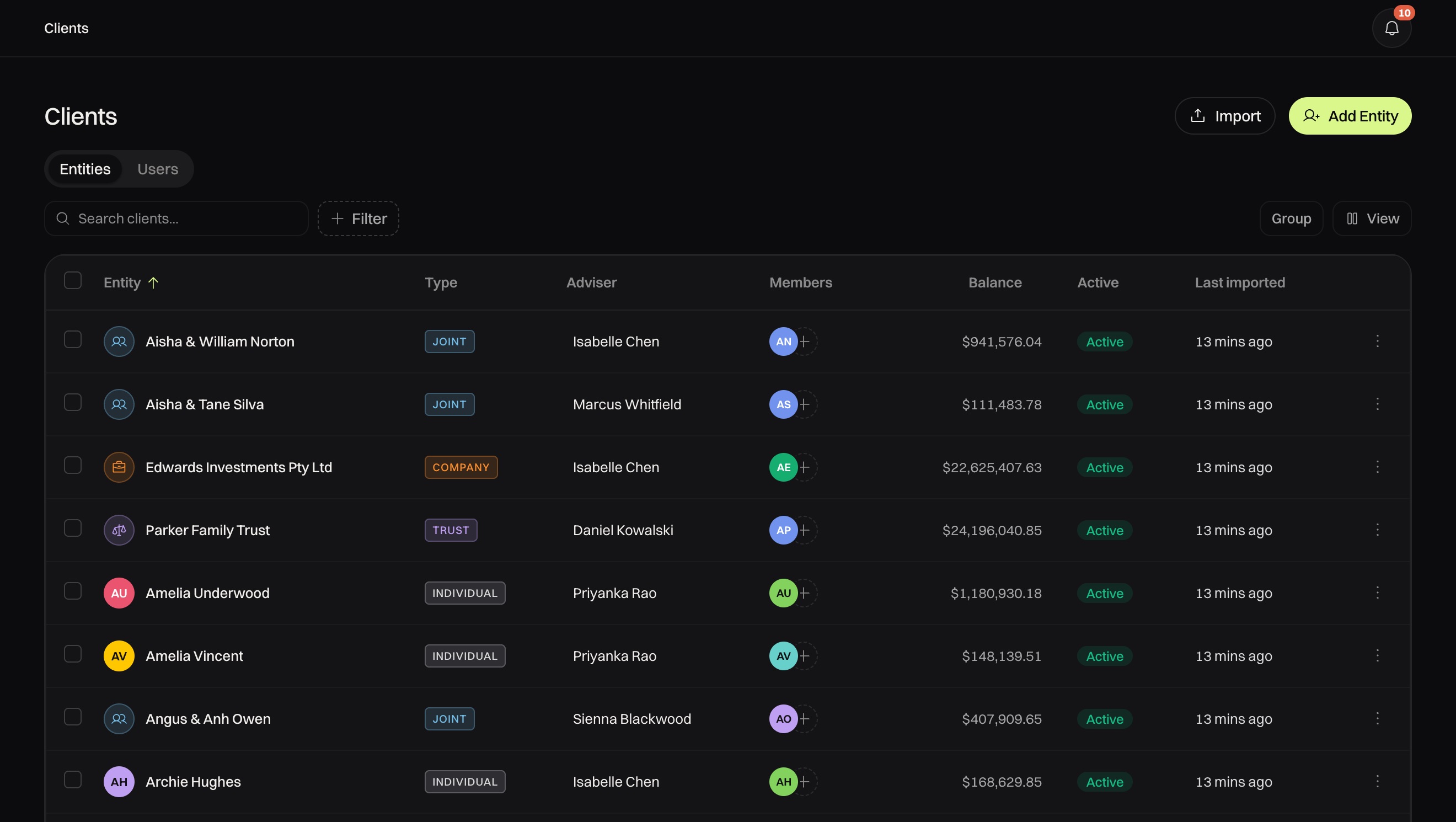
- Every entity type. Individuals, joint accounts, trusts, SMSFs and companies, each with its members and balance.
- One login per client. Clients move between every entity they belong to without a second login.
Why trust Stow
Secure by default
Hosted in Australia
The application and database run in Sydney, so client data stays onshore.
Each firm kept apart
Your firm's data is isolated from every other firm's on Stow.
Two-factor and biometrics
Every adviser and staff account uses two-factor sign-in. Clients unlock the app with Face ID or a fingerprint.
FAQ
Common questions
Which entity types does Stow support?
Individuals, joint accounts, trusts, SMSFs and companies. Each gets its own portfolio.
Where do the numbers come from?
From the spreadsheet you already keep. Import it and clients see the same numbers you do.
What do clients see for each entity?
Balance over time, performance and asset allocation.
Can one client belong to several entities?
Yes. They see every entity they belong to with one login.
Next step
See Stow with your own clients in mind
Tell us about your firm and we'll email you a time to walk through the app and portal.